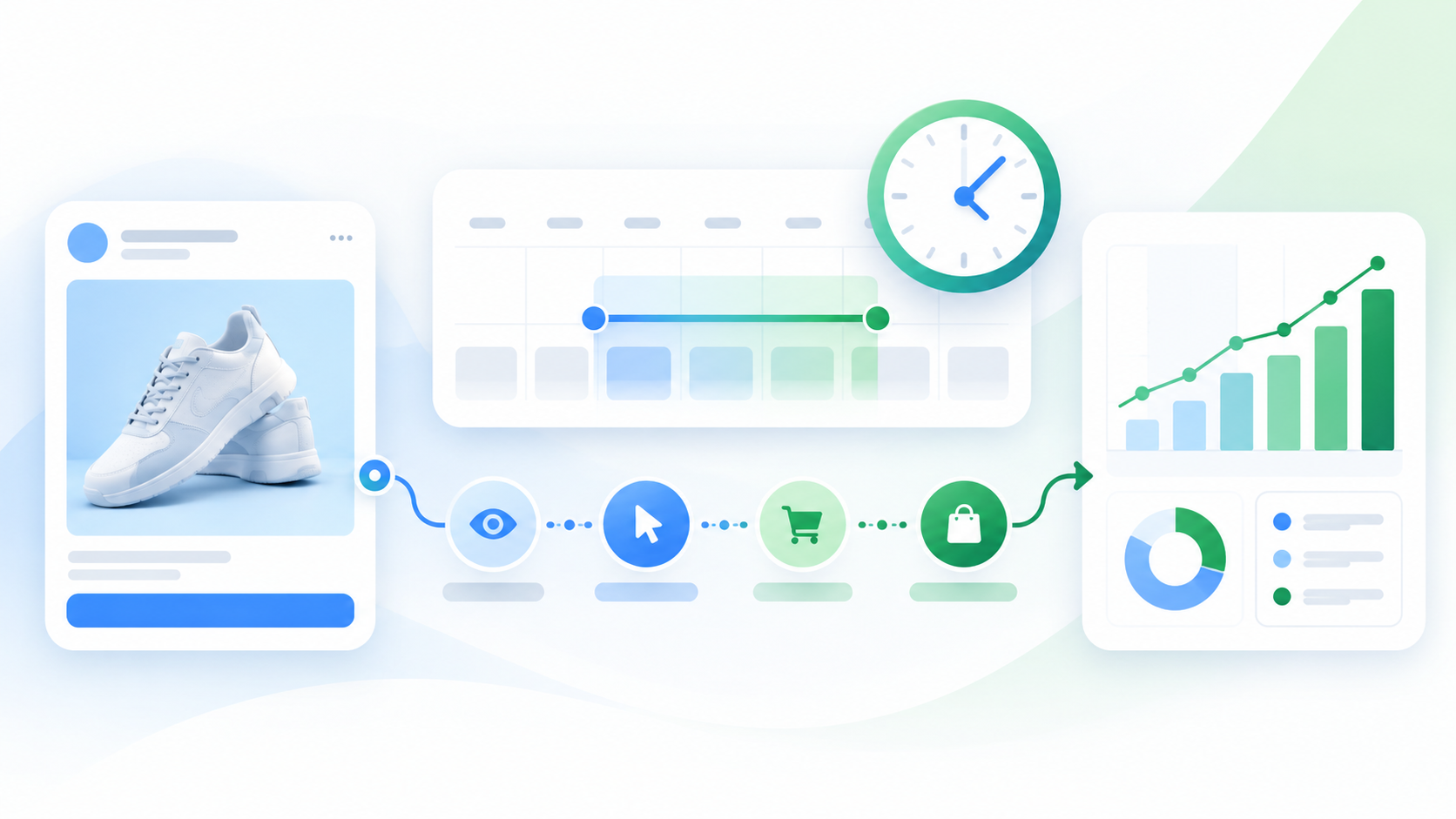
Meta Ads Reporting Attribution Window, Read Plainly
Short answer: the Meta Ads reporting attribution window is the period after someone clicks, engages with or simply sees your ad during which Meta will claim a later conversion as a result of that ad. As of September 2026, the usual default for conversion campaigns is 7-day click-through, 1-day engage-through and 1-day view-through. So the Results column is Meta's claim, scored under Meta's rules. Read it by splitting results by attribution type, treating link-click conversions as the most defensible figure, and checking the total against your own sales records before you report it upward.
"The platform is marking its own homework" is a fair complaint, in a narrow sense. Meta decides which of its ads were near a sale, sets the window for "near", and prints the result. That does not make the number false. It makes it a number with conditions attached, and most reports that travel up to a manager arrive with the conditions stripped off.
This page is a reading method. It is not a report on accounts we have run, and it quotes no benchmark figures, because no honest benchmark exists for "how inflated is Meta reporting" that would hold for your account.
What the Meta Ads reporting attribution window decides, and what it does not
The attribution setting lives at the ad set level. It does two jobs at once, and the second one is the one people forget.
First, it decides which conversions appear as Results in Ads Manager by default. Second, it decides which conversions the delivery system learns from. The events that fall inside the window are the ones Meta treats as proof that a type of person, placement or creative works. That is why the setting is tied to how quickly an ad set gets out of the learning phase and its 50-event threshold: a narrower window means fewer qualifying events.
There are three things the window does not decide:
- What you pay. When Meta changed its click definitions in March 2026, it stated there would be no change to how advertisers are billed. Attribution moves credit around a report. It does not move money.
- Whether the ad caused the sale. A window says an ad interaction happened within a set time before a conversion. It says nothing about whether the person would have bought anyway.
- What other tools will say. Google Analytics, your store and your CRM each use their own rules and will not agree with Meta by design.
The three kinds of credit in a 2026 Meta report
Since March 2026, Meta sorts conversion credit into three types. According to Meta's own announcement, Simplifying Ad Measurement for a Social-First World (Meta for Business, March 3, 2026; checked on 2026-09-23), click-through attribution for website and in-store conversions now includes only link clicks. Shares, saves and likes moved into what Meta now calls engage-through attribution, the renamed engaged-view category, and the engaged-view threshold for video dropped from 10 seconds to 5 seconds.
| Credit type | What triggers it | Default window | How much weight it can bear |
|---|---|---|---|
| Click-through | A link click to your site, app or lead form | 7 days (1-day option available) | The most defensible. Closest to what your analytics tool can also see. |
| Engage-through | A like, share, save, comment, or a video watched for 5 seconds or more | 1 day | A claim. Someone interacted, but never visited from the ad. |
| View-through | The ad was shown, with no interaction | 1 day | The weakest. It credits an impression the person may not remember. |
The table's last column is the part the platform will not write for you. Meta presents all three as Results in one column by default. They are not equally strong evidence, and treating them as one number is the most common way a Meta report overstates itself.
What changed in 2026, and why your year-over-year comparison broke
Two changes this year mean a Meta report from 2025 and one from late 2026 are not measuring the same thing.
January 12, 2026: longer view windows removed. Meta's developer post Ads Insights API Metric Availability Updates (Meta for Developers, October 16, 2025; checked on 2026-09-23) stated that the 7-day view and 28-day view attribution windows would no longer be returned from that date. The same post limited unique-count and hourly breakdowns to 13 months of history and frequency breakdowns to 6 months, while total values stay available for up to 37 months.
March 2026: "click" was redefined. Conversions that used to sit in the 7-day click column because someone liked or saved an ad now sit in the 1-day engage-through column. A person who saved your ad and bought on day three is no longer credited to that ad at all.
The practical effect: if click-through conversions fell this spring, part or all of that fall may be reclassification, not performance. If a dashboard pulls 7-day view data through a connector, it may now show blanks or zeros rather than an error. Any comparison that crosses either date needs a label saying so, or it will be read as a trend.
The date problem: Meta counts the day of the ad, not the day of the sale
By default, Ads Manager places a conversion on the date of the click or impression that earned the credit, not the date the sale happened. Your store or CRM books the sale on the day it occurred.
Two consequences follow. The last several days in any Meta report are unfinished: conversions keep arriving until the window closes, so recent numbers rise after you first read them. And daily figures will never line up with daily order counts, because the two systems file the same sale under different days.
The fix is dull and reliable. Judge a period only after its window has closed, and compare weeks or months, not single days.
How to read the report without the platform's framing
This is the part the ranking guides tend to skip. Most explain the settings. Few explain how to carry the number into a meeting without it meaning more than it does.
- Label the window on every number. Write "38 purchases (7-day click, 1-day engage, 1-day view)", not "38 purchases". A number without its window is the platform's framing, repeated by you.
- Split the column. Ads Manager's Compare Attribution Settings columns show how results divide across click-through, engage-through and view-through without changing the live setting. Put the split in the report, not just the total.
- Treat click-through as a floor you can defend, not the truth. Some engage-through and view-through conversions are real influence. You cannot tell which from inside Meta, so you report them separately and do not lean on them.
- Wait for the window to close. Under the default setting, give a period at least a week after it ends before you call it final.
- Reconcile against your own records over the same closed period. If Meta claims more purchases than your store recorded from all sources, something is double counting. Working out which system to believe is its own job, covered in why marketing data doesn't match and which number to believe.
- Ask who was already on the way. Retargeting and brand-name audiences produce many view-through and engage-through conversions, because those people were close to buying already. High attributed results on a retargeting ad set are the least surprising and the least informative number in the account.
- Use a holdout if causation matters. The only way to know whether ads caused sales is to compare against people who did not see them. Meta offers lift studies in some accounts, and a region-based holdout is a manual alternative. Neither is free or quick, and a small account may not have the volume for a clear answer. Say that plainly rather than letting attributed results stand in for the answer.
Meta also offers an incremental attribution option in some accounts, which tries to count only conversions it estimates the ad caused. It is still Meta's model of Meta's effect. It can be a useful second view, not an independent check.
Which number supports which claim
The reader of your report usually wants one of four claims. Each one needs a different number.
| The claim | A number that can support it | A number that cannot |
|---|---|---|
| "Meta drove these sales." | Backend sales compared against a holdout | The Results column on its own |
| "Ad A beat ad B." | Click-through results, same setting, closed window | Totals from ad sets with different attribution settings |
| "Performance fell this month." | Same window and same definitions in both periods | Any comparison across January 12 or March 2026 |
| "Our cost per acquisition is on target." | Spend divided by backend-verified sales, set against a target built from what a lead or sale is actually worth | Cost per result including view-through |
When a manager asks "is Meta working?", the honest answer usually has two parts: what Meta claims under its stated window, and what your own records can confirm. Reporting both is not hedging. It is the report.
Choosing the setting: the limitation first
The limitation: a stricter window gives cleaner reporting and a worse learning signal. On a small account that struggles to produce enough conversions, switching from 7-day click to 1-day click can cut the events the system learns from, which can slow or stall optimization. That is a real cost, and it lands hardest on exactly the accounts that most want honest numbers.
With that stated, a rough guide:
- 1-day click suits offers people decide on quickly: a free trial, a low-price impulse purchase, a lead form with little commitment.
- 7-day click suits offers with a longer decision, where a click on Monday and a purchase on Thursday is normal.
- Engage-through and view-through can stay in the setting if you want the extra learning signal. Leaving them in is fine as long as you split them out when you report.
Do not change the setting to make a report look better. The setting changes what delivery chases, so a flattering window can steer spend toward people who were going to buy anyway. If the report needs to look different, change the columns, not the ad set.
Attribution window vs attribution model
The window answers "how long after the ad does a conversion still count?" The model answers "when several touchpoints were involved, who gets the credit?" Meta can only see its own touchpoints, so inside Ads Manager every eligible conversion goes to a Meta ad, even if a Google search or an email did most of the work. That is why the same sale can appear as a win in Meta, in Google Ads and in your email tool at once. How the model choice shapes decisions in your analytics tool is covered in attribution models and which one changes what you do.
Frequently asked questions
What is the default attribution window in Meta Ads in 2026?
For conversion campaigns, the usual default is 7-day click-through, 1-day engage-through and 1-day view-through. Available options depend on the campaign setup, so check the attribution setting inside each ad set rather than assuming.
Why did my Meta conversions drop in 2026 when I changed nothing?
Two reporting changes are the likely cause. The 7-day and 28-day view windows were removed on January 12, 2026, and in March 2026 non-link interactions moved out of click-through into a 1-day engage-through window. Both reduce reported conversions without any change in real sales. Check your own sales records before concluding that performance fell.
Should I use 1-day click or 7-day click?
Match it to how long your customers take to decide. Short decisions suit 1-day click; considered purchases suit 7-day click. On a small account, remember that a narrower window gives the system fewer events to learn from.
Why doesn't Meta's conversion count match my store or CRM?
Meta counts conversions it can attribute to its own ads under its window, dates them to the ad interaction, and cannot see other channels. Your store counts every sale on the day it happened. Compare closed periods of a week or longer, and expect Meta's number to differ.
Can I still see 28-day view data?
No. Meta stopped returning 7-day view and 28-day view data through the Ads Insights API from January 12, 2026. Reports you exported before that date still show the old figures, but they cannot be compared directly with current ones.